
Display & accessibility settings
Adjust how british-sign.co.uk looks and behaves to suit you. These settings apply across the whole site and are saved in your browser, so they stay put next time you visit.
Your display preferences
Change the text size, contrast, motion and skin tone used across the site. You can change them again at any time.
Appearance

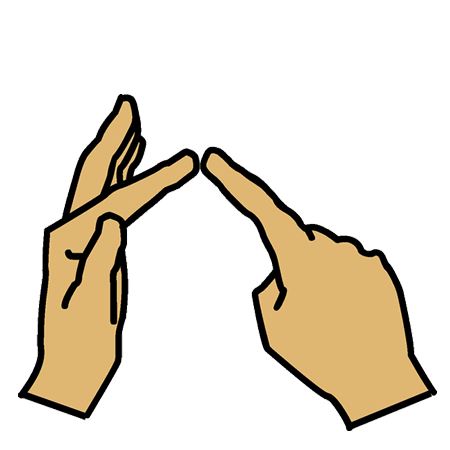
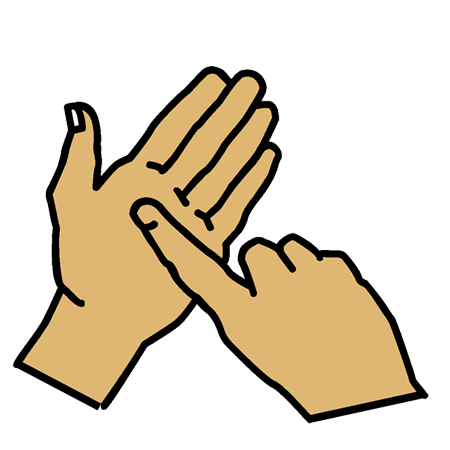
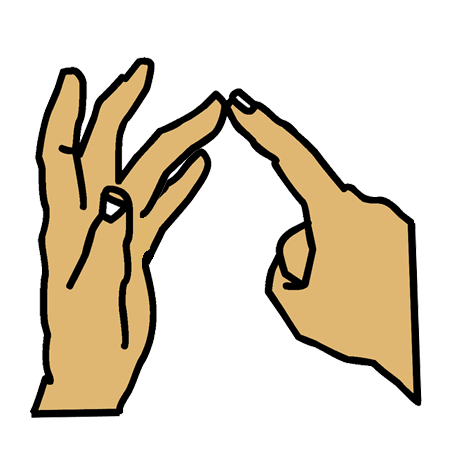
Example: the word “hello” fingerspelled with your current settings – skin tone Light, hand right. Change the skin tone or left-handed controls above and this updates instantly.
Skin tone and left-handed mode change the BSL fingerspelling alphabet and the games. They do not currently change the sign illustrations in the dictionary.
Accessibility
Tell us if something doesn’t work
We want british-sign.co.uk to work for as many people as possible. If you find a part of the site that does not work for you, or if you need a piece of content in a different format (large print, plain text, an alternative accessible file), please let us know.
- Email support@british-sign.co.uk
- Use the chat window on the site (you can also leave a message if no one is online).
It helps if you tell us the page you were on, the device or screen reader you were using, and what went wrong. We normally reply within one working day, although complex accessibility requests may take longer to resolve.